Category: Escalador

Escalador, Escalador Audio

Screen requirements for Escalador

May 4, 2023

Escalador – Screen Requirements

• Minimum requirements:

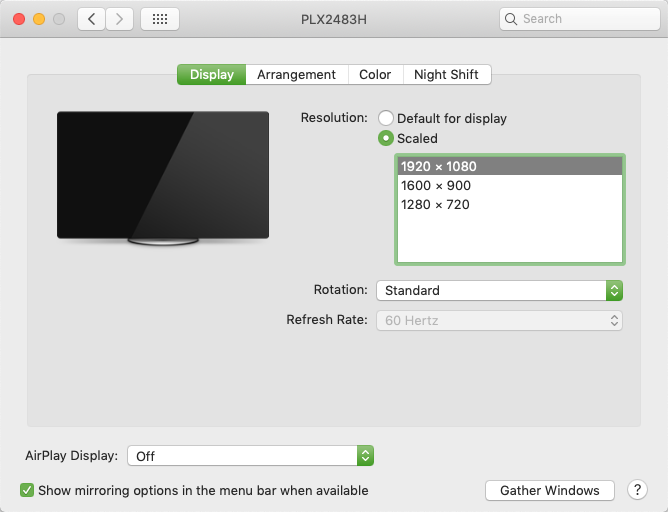
A screen resolution of 1920 x 1080 is recommended.


The menu Resize Escalador Main Window


This feature is intended to be useful for computers with not enough screen space to show all the main Escalador window range. So, using the buttons provided the user can adjust the Escalador main window to fit on the screen


Escalador, Escalador Audio

Installation

January 10, 2023

Installing the Escalador

As for any application, the Escalador needs to be installed to work properly. The first thing to know is that the user will need to be connected to the internet. When the user launches the application for the first time, a few windows will appear in order to complete the installation task.
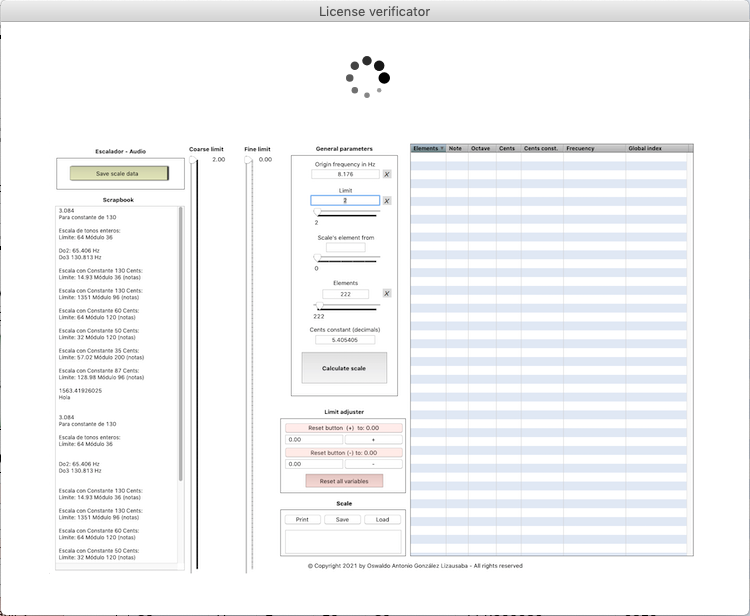
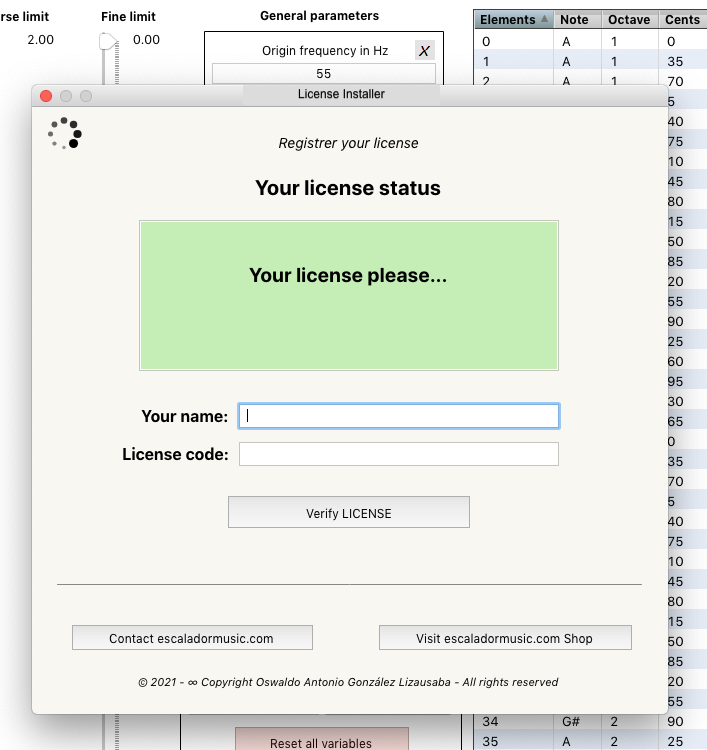
Two fields: Your name and License code, are provided to introduce your data.
 

If the user introduce a valid license code, a massage confirming the validated status of the license is provided.


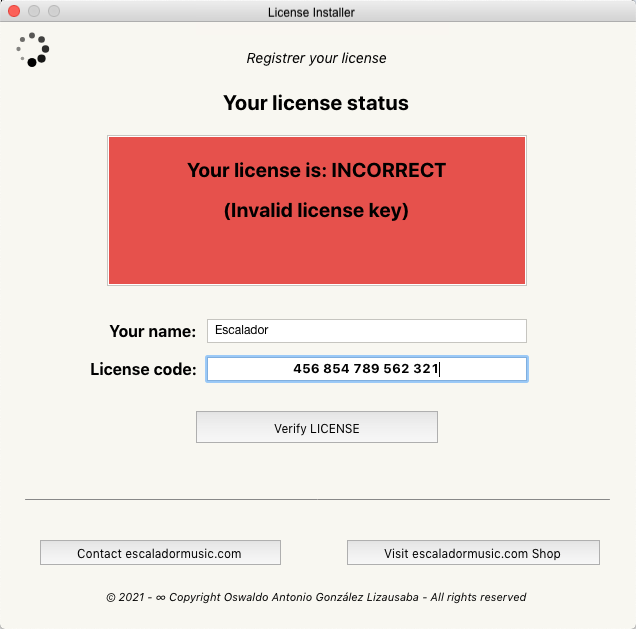
If the license code is not valid, a message indicating that the license is not correct will appear.
 

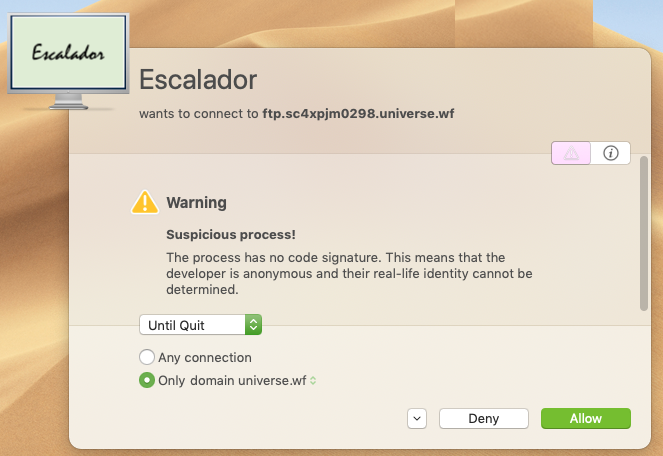
For some Mac users using the Little Snitch application, a window asking permission to connect to our license verification server (ftp.sc4xpjm0298.universe.wf) will appear. The user have to click the Allow button in order to continue the validation process.
 

Very important information:

Each time the Escalador is launched, the user have to be connected to the internet, because the license have to be verified in our license validator server. Of course, if the user had already verified the license, for this time the process of re-validation will be very fast.

Escalador, Escalador Audio

Screen requirements for Escalador Audio

December 10, 2022

Escalador – Screen Requirements

• Minimum requirements:

A screen resolution of 1920 x 1080 is recommended.

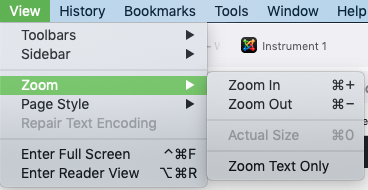
Remember that in Firefox you can adjust the resolution of the pages according to your needs, by reducing or increasing the zoom level.
For this, please use View > Zoom > Zoom In / Zoom Out.

Escalador, Escalador Audio

Resource downloads

November 9, 2022

Within this page you can download some data examples for scales, instruments, reverberations and chords to be used with the Escalador Audio application.

Scales

Chromatic scale
ChromaticScale

1/12-tone scale TwelveOfToneScale

1/5 tone scale
FifthOfToneScale

1/4 tone scale
QuarterOfToneScale

1/3 tone scale
ThirdOfToneScale

Scales of harmonics

Scale of harmonics of C -1
C-1@A=440Hz-Index=1

Scale of harmonics of A0
A0@A=440Hz-Index=1

Scale of harmonics of A0
A0@A=440Hz-Index=1.25

Scale of harmonics of A0
A0@A=440Hz-Index=0.78

Scale of harmonics of A0
A0@A=440Hz-Index=0.2

Instruments

Atmosferas-1
Atmosferas-1

J.C.Risset (Remembering)
Risset-2

Violoncello
Vc-1[INST].txt

Reverberations

Atmosferas-1
Atmosferas-1[REV].txt

J.C.Risset (Remembering)
Risset-2

Violoncello
Vc-1[REV].txt

Chords

Chords 1
1[CHORD-R].txt

Chords 2
2[CHORD-R].txt

Chords 3
3[CHORD-R].txt

Chords 4
4[CHORD-R].txt

Chords Gong&Cymbals
Gongs&Cymbals-1[CHORD-R].txt