Create Save and Load an Instrument
April 16, 2022

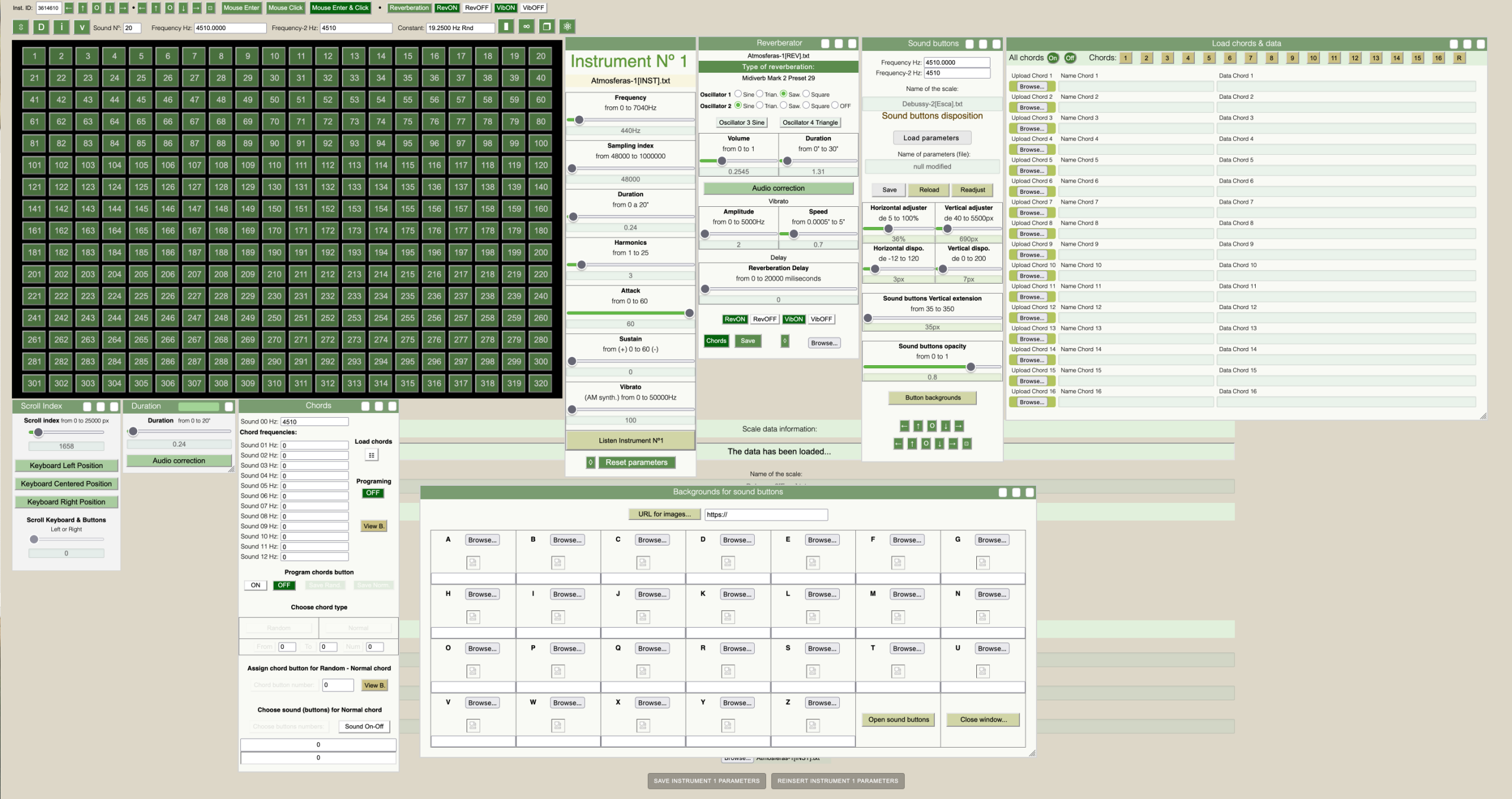
Welcome to the Escalador Audio page
Opening for the first time the Escalador Audio program
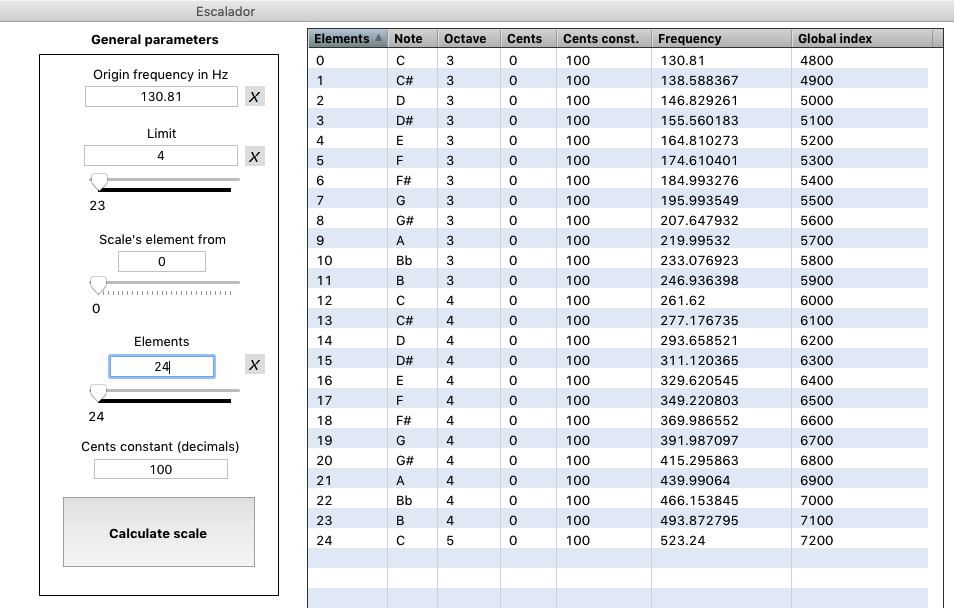
When the user open for the first time the Escalador Audio, or, the Escalador Audio Mirror, the Escalador Calculator will open simultaneously two windows on the Firefox browser: The Audio Requirements page and the Escalador Audio page. Here on this Escalador’s website you will find an important number of tips about some of the basic features of the application.
Working with data files
• A little reminder concerning the data files used to save:
Scales data, Instruments data, Reverberator data and Buttons data.
• For Scales data, the structure name is [Esca].txt. An example of a scale data file name can be: MyScale[Esca].txt.
Scales with [Esca].txt are to be used exclusively on the Escalador Audio.
• For Scales (inverted) data, the structure name is [Esca-Inverted].txt. An example of a inverted scale data file name can be: MyScale[Esca-Inverted].txt.
Scales with [Esca-Inverted].txt are to be used exclusively on the Escalador Audio.
• There are two suffixes [ListEsca] and [ListEsca-H] that are used exclusively for data-scales save by the buttons below:
 When a scale is made, it can be saved for observation or study purposes. Those scales with ([ListEsca] and [ListEsca-H]) are not intended to be used as data-scales for the Escalador Audio.
A scale loaded from buttons: Load or Load H, Scales with those suffixes ([ListEsca] and [ListEsca-H]) are intended to be used for only
• For Instruments data, the structure name is [INST].txt. An example of an instrument data file name can be: MyInstrument[INST].txt. Scales with [INST].txt are to be used exclusively on the Escalador Audio.
• For Reverberator data, the structure name is [REV].txt. An example of a Reverberator data file name can be: MyReverberation[REV].txt. Scales with [REV].txt are to be used exclusively on the Escalador Audio.
• For Buttons data, the structure name is [BOT].txt. An example of a Button data file name can be: MyButtons[BOT].txt. Scales with [BOT].txt are to be used exclusively on the Escalador Audio.
• For Chords data, the structure name is [CHORD-R].txt. An example of a Chord data file name can be: MyChord[CHORD-R].txt. Scales with [CHORD-R].txt are to be used exclusively on the Escalador Audio.
As you can imaging, loading, for example a data file for an instrument, lets say: Myscale[Esca.txt] will not work because of the structure of that file do not correspond to the structure data name for a Instrument data file: [INST].txt.

Each Escalador license is sent by e-mail after successful purchase on the escaladormusic.com Shop. Each single license can be used only in one computer. If the customer want to use the license on other computer, an uninstall process have to be done from the Escalador application. Also, the customer can go to the escaladormusic.com Shop, on the menu: My Account to download the software and the license code. License Grant User may download Escalador and purchase a license from escaladormusic.com website or through other authorized third party websites for personal use. All licenses to the Software are revocable, non-exclusive, non-transferable, limited licenses to install and use the copy of the Software and its associated documents.
Then, after doing so, the customer will be able to install his or her Escalador license on other computer.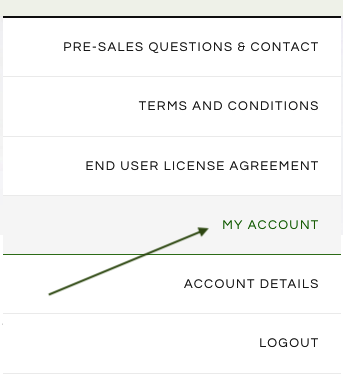
User is not permitted to, nor can allow any other person to:
• Modify, adapt, translate, de-compile, disassemble or reverse engineer the Software or any portion thereof, in any manner.
• Attempt to break security, access, tamper with or use any unauthorized portion of the Software.
• Remove any Copyright, Trade Mark or other proprietary rights notices contained in the Software.
• Attempt to collect or maintain any information about other users of the Software or other third parties for unauthorized purposes.
• Transmit or attempt to transmit the Software over any network or between any devices unauthorized, enabling the use of the Software on multiple Systems.
• Cause any portion of the Software to be copied onto another person’s System.
• Use the Software for transmission of any viruses, worms, defects, Trojan horses or other malicious code or items of a destructive nature.
• Use the Software for any unlawful, copyright infringement, harassing, abusive, criminal or fraudulent purposes.
• Rent, lease, sell, sublicense, assign or transfer rights in the Software
Welcome to the Escalador version page
• The actual version is 2.02
• The oldest version is: 2.0
If you don’t have the actual version, you can go to your Escalador account in order to get it.